
Soundcloud to MP3 vs Soundcloud to WAV - What's the Difference and Which One Should You Choose?
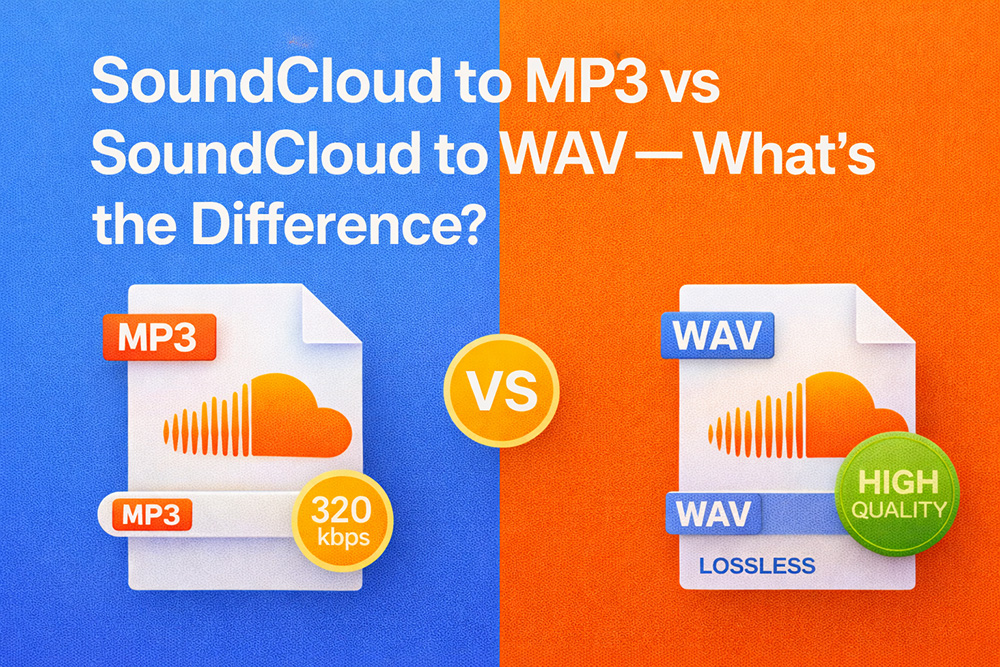
When downloading music from SoundCloud, many people hesitate between two common options: SoundCloud to MP3 and SoundCloud to WAV. At first glance, the difference may seem simple, but in reality, these two formats serve very different purposes.
Choosing the wrong one can lead to:
-
Unnecessarily large file sizes;
-
Playback or compatibility issues;
-
Audio quality that doesn’t meet your expectations.
This article explains how MP3 and WAV really differ, how SoundCloud audio works behind the scenes, and which format makes sense for your actual use case.
What Is SoundCloud to MP3?
The nature of MP3
MP3 is a compressed audio format. It removes parts of the sound that most people can't easily hear in order to:
-
Reduce file size;
-
Save storage space;
-
Ensure compatibility with nearly all devices.
When you convert SoundCloud to MP3, the tool:
-
Extracts the audio stream;
-
Encodes it into MP3;
-
Outputs a compact, easy-to-use file.
Advantages of SoundCloud to MP3
-
Small file size;
-
Works on phones, computers, car systems, and smart TVs;
-
Ideal for everyday listening;
-
Rarely causes compatibility problems.
Limitations of MP3
-
Audio data is already compressed;
-
Not ideal for heavy audio editing;
-
Quality depends on bitrate (128 / 192 / 320 kbps).
What Is SoundCloud to WAV?
The nature of WAV
WAV is an uncompressed (or minimally compressed) audio format that preserves much more of the original sound data.
When converting SoundCloud to WAV:
-
The decoded audio is exported as a raw waveform;
-
File sizes become significantly larger than MP3.
Advantages of SoundCloud to WAV
-
Preserves more audio detail than MP3;
-
Better suited for:
-
Audio editing;
-
Music production;
-
Video and podcast work;
-
-
Less degradation during post-processing.
Limitations of WAV
-
Very large file size;
-
Overkill for casual listening;
-
Not all mobile apps or older devices handle WAV efficiently.
SoundCloud to MP3 vs SoundCloud to WAV: Direct Comparison
1. Audio quality
| Aspect | MP3 | WAV |
|---|---|---|
| Compression | Yes | No |
| Audio detail | Partially lost | Mostly preserved |
| Casual listening | Very good | Excellent (difference often subtle) |
👉 For most listeners, MP3 at 192–320 kbps already sounds great.
2. File size
| Format | Size |
|---|---|
| MP3 | Small |
| WAV | 5–10× larger than MP3 |
A 5-minute track:
-
MP3: ~5–10 MB;
-
WAV: ~50 MB or more.
3. Compatibility
-
MP3: universally supported;
-
WAV: best on computers, less optimized on some mobile apps.
4. Intended use
| Purpose | Recommended |
|---|---|
| Daily music listening | MP3 |
| Phone playback | MP3 |
| Long-term storage | MP3 |
| Audio editing | WAV |
| Video or podcast production | WAV |
| Mixing and mastering | WAV |
A Common Misunderstanding About SoundCloud to WAV
"WAV from SoundCloud is always higher quality" not necessarily
In reality:
-
Many SoundCloud tracks are already compressed before upload;
-
The original file may not be WAV;
-
Converting to WAV does not magically improve sound quality.
👉 WAV only makes sense when:
-
The source audio quality is high enough;
-
You plan to edit or process the sound.
Otherwise, WAV simply creates a larger file with no audible benefit.
So, Which One Should You Choose?
Choose MP3 if you:
-
Listen to music for enjoyment;
-
Want smaller files;
-
Don’t edit audio;
-
Prefer maximum compatibility.
Choose WAV if you:
-
Produce audio or video content;
-
Need to edit, cut, or mix sound;
-
Work with podcasts or music projects;
-
Don’t mind large file sizes.
Important Things to Keep in Mind
-
Don't blindly trust labels like "320kbps" or "lossless";
-
WAV cannot fix low-quality source audio;
-
A proper converter must actually re-encode, not just rename the file.
Conclusion
SoundCloud to MP3 and SoundCloud to WAV aren’t about better or worse, they're about using the right tool for the right job. MP3 is ideal for listeners. WAV is valuable for creators.
If your goal is everyday listening, MP3 is the smarter and more practical choice. If you need serious audio editing, WAV is where it truly matters.
Related Post
Where does the soundcloud download go?
Many users wonder where SoundCloud files are stored. Don’t worry - we’ll show you exactly where to locate them on every device.

Where is Soundcloud profile url?
Many users wonder where to find their SoundCloud profile URL. We’ll show you how to locate and edit it on Desktop, Android, and iOS.

How To Make Money On Soundcloud From Audio Releases
Can you monetize SoundCloud tracks? Yes, and this guide explains exactly how SoundCloud monetization works and how you can start earning.
Why Can’t I Download Music from SoundCloud? Top 7 Common Errors & How to Fix Them (2025 Guide)
Why Can’t I Download Music from SoundCloud? Top 7 Common Errors & How to Fix Them (2025 Guide)
"Download Failed" Error on SoundCloud Downloader - Causes & Solutions (2025 Update)
"Download Failed" Error on SoundCloud Downloader / Causes & Solutions (2025 Update). Soundcloud to Mp3 Downloader tip tricks.
SoundCloud Won't Let You Download Songs? Legal Ways to Bypass the Restrictions (2025 Guide)
SoundCloud Won't Let You Download Songs? Legal Ways to Bypass the Restrictions (2025 Guide). Soundcloud to Mp3 Downloader tip tricks.

SoundCloud Downloader Online vs Music Download Apps: Which One Is Better? (2025 Comparison)
SoundCloud Downloader Online vs Music Download Apps: Which One Is Better? (2025 Comparison). Soundcloud to mp3 downloader tip tricks.

How to Fix MP3 Files That Won’t Play After Downloading from SoundCloud
How to Fix MP3 Files That Won’t Play After Downloading from SoundCloud. Soundcloud to mp3 downloader tip tricks.
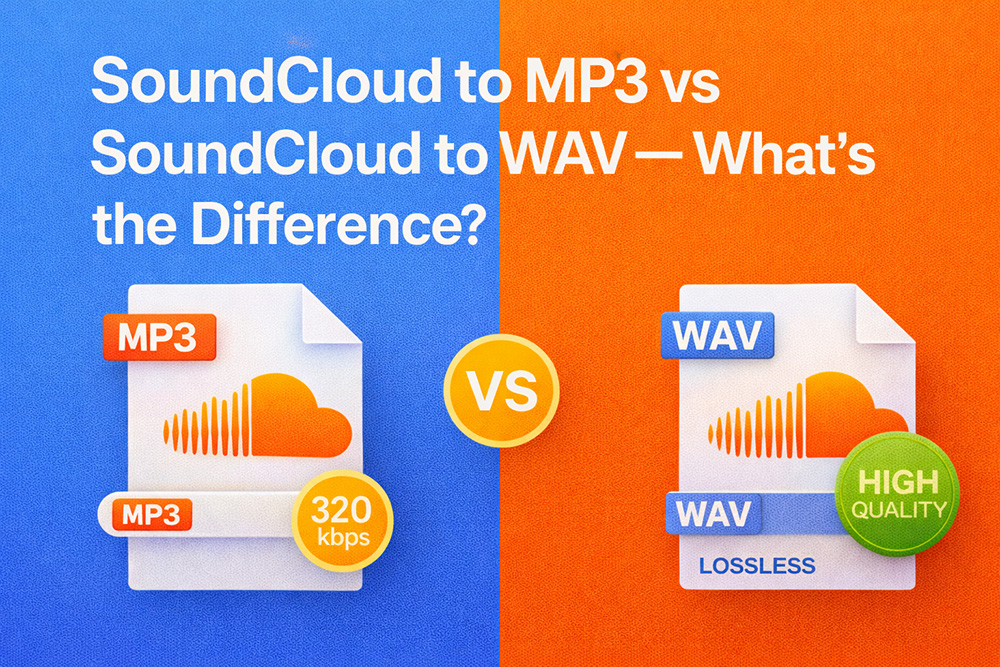
Soundcloud to MP3 vs Soundcloud to WAV - What's the Difference and Which One Should You Choose?
Soundcloud to MP3 vs Soundcloud to WAV - What's the Difference and Which One Should You Choose? Soundcloud Downloader Tiptricks.